

👉 New to Hip Resurfacing? Start Here
New – Start Here
➡️ What is Hip Resurfacing?
➡️ Am I a Candidate for Hip Resurfacing?
➡️ Hip Resurfacing vs Total Hip Replacement
➡️ Recovery and What to Expect
➡️ How to Choose a Hip Resurfacing Surgeon?
➡️Find An Experienced Surgeon
➡️ Hip Resurfacing Devices
➡️ Running & Sports After Surgery
➡️ Talk with Other Hip Resurfacing Patients
➡️ Why You Can Trust Surfacehippy.info
Hip Resurfacing was RIGHT for us!





Hip Resurfacing in the News
Polymotion Hip Resurfacing IDE Study Hits Full Enrollment Milestone 4/20/2026
A defining achievement has been reached in the evolution of hip preservation technology, the Polymotion® Hip Resurfacing (PHR®) IDE study has officially achieved full enrolment. On Friday, April 3rd, Dr. William Macaulay at NYU Langone performed the final procedure, bringing recruitment to a close and highlighting the growing interest in bone-conserving treatment options for young, active patients.
Hip resurfacing in the United States is entering an exciting new chapter with Recap/Magnum
3/23/2026 By Thomas P. Gross, MD – Hip Resurfacing Surgeon. Hip resurfacing in the United States is entering an exciting new chapter. Beginning in June 2026, the Recap/Magnum resurfacing implant—made to the same specifications previously used by Zimmer Biomet—will once again be available. It took more than a year and a half to purchase the design rights, but manufacturing has now restarted, and implants should arrive in Columbia, SC early this summer.
ReCerf Receives it’s CE Mark, Advancing Access to Ceramic Hip Resurfacing Across Europe July 4, 2025
MatOrtho® is proud to announce that the ReCerf® Hip Resurfacing Arthroplasty (HRA) has received its CE mark, confirming compliance with European safety and performance standards. This important milestone expands access to hip resurfacing, enabling wider availability across the UK, Europe and internationally where CE marking supports market access.
Read More
Learn About Hip Resurfacing

About Hip Resurfacing
Dive into the world of Hip Resurfacing. From first-hand experience to a studied analysis of patient outcomes, this in-depth exploration unveils the real benefits of this transformative procedure. Learn how over 90,000 people worldwide have reclaimed their mobility, with impressive results of active and unrestricted lifestyles.

Hip Resurfacing vs THR
Join us as we delve into the world of hip surgery with an insider’s view on Hip Resurfacing and Total Hip Replacement (THR). Our comprehensive guide, is enriched with decades of research, personal experiences, and expert opinions..

Choosing a Surgeon
“Experience, Experience, Experience” – that’s the mantra when it comes to choosing the right surgeon for hip resurfacing surgery. With 20 years of personal experience and insights from thousands of patients, we’ve developed an all-inclusive Patient’s Guide to help you.
Exploring Hip Resurfacing Devices: A Guide for Informed Decisions
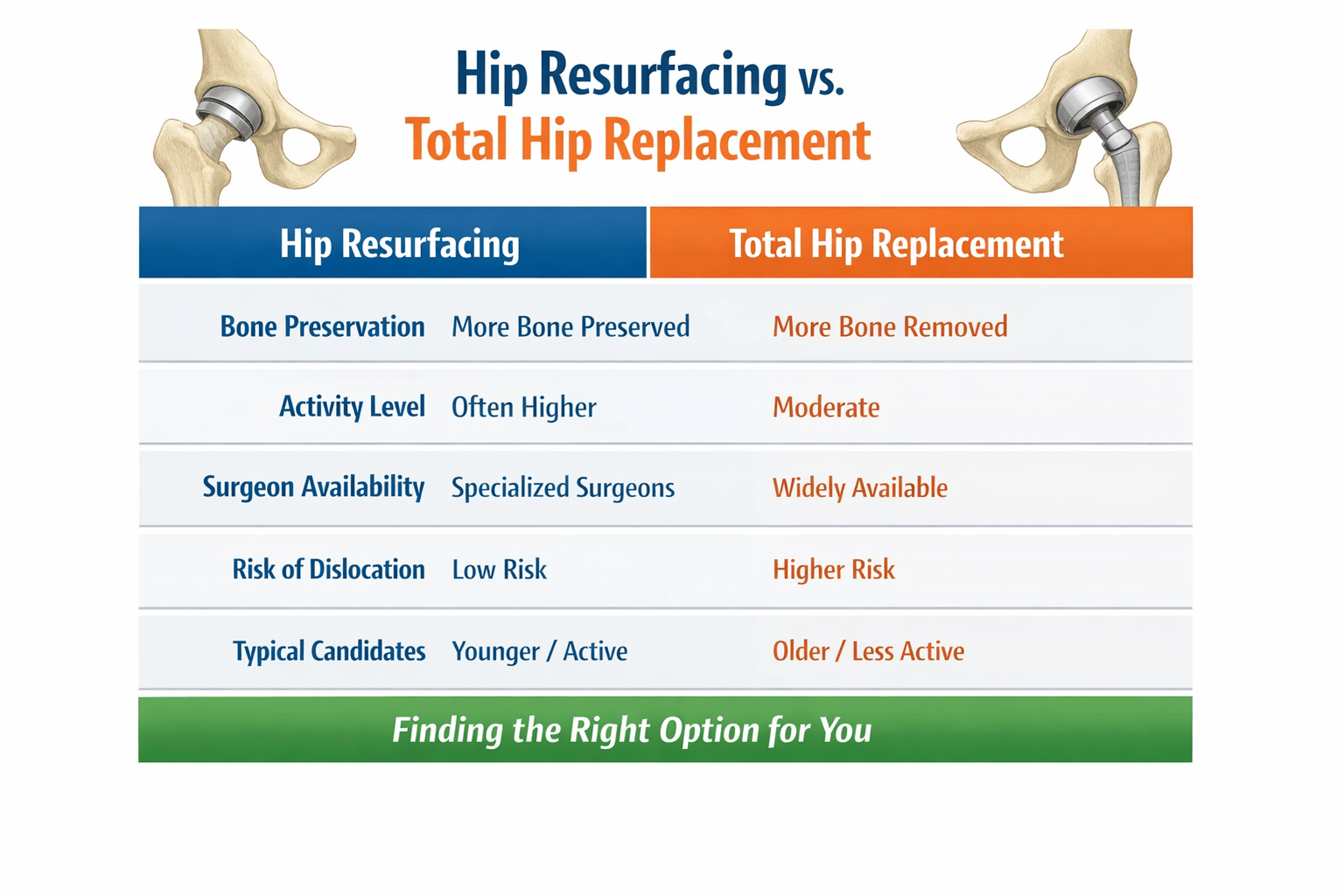
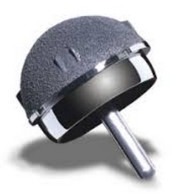
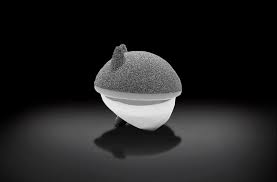
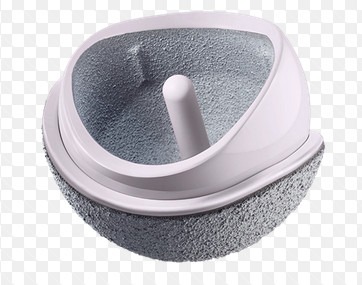
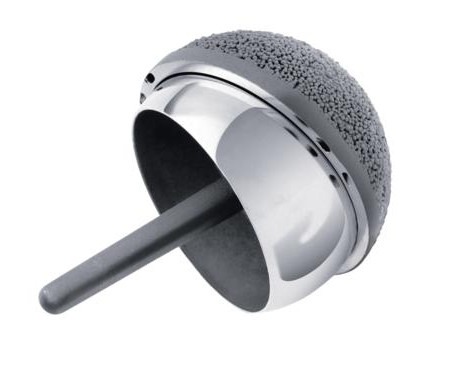
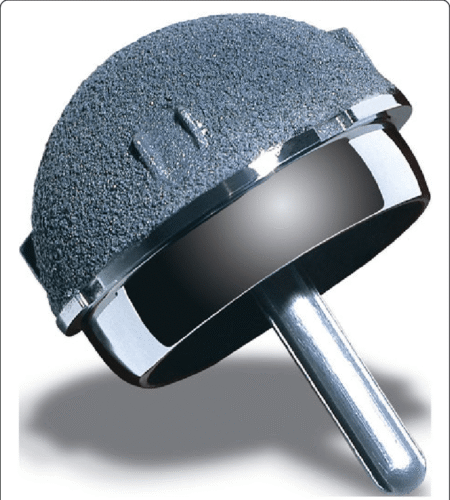
Navigating the landscape of hip resurfacing devices can feel a bit overwhelming. Different types of hip resurfacing devices, such as the Birmingham Hip Resurfacing system, The Recap/Magnum, the ReCerf and H1 Ceramic on Ceramic systems or the Polymotion cobalt chrome head/Vitamin E crosslinked system offer tailored solutions for distinct needs. Each comes with its own set of benefits, adeptly catering to varying medical profiles and activity levels. This article will walk you through the primary types and features of these devices, ensuring you’re equipped with the knowledge you need to make informed decisions about your health and mobility.


Advertisements





Learn More About Hip Resurfacing
Recent Articles
Recent Posts
- Polymotion Hip Resurfacing IDE Study Hits Full Enrollment April 23, 2026
- Pritesh Budu Mistry Bilateral ReCerf Hip Resurfacing with Dr. De Smet 2025 March 30, 2026
- Hip Resurfacing Has A New Life with the Recap/Magnum by Dr. Gross 2026 March 28, 2026
- Exploring Hip Resurfacing Devices: A Guide for Informed Decisions March 28, 2026
- Chris Eato’s 3 Year Anniversary of His Hip Resurfacing with DR. Blackley 2023 March 26, 2026
- Neil Driscoll’s Bilateral Hip Resurfacing Anniversary 15 Years Biomet and 14 Years BHR March 1, 2026
About the Surfacehippy Website and Patricia Walter
March 15, 2026 is the 20 year anniversary of receiving my BHR Birmingham Hip Resurfacing from Dr. De Smet in Belgium in 2006
My hip resurfacing is still great and I never had problems with it. I still believe hip resurfacing is a great alternative to a total hip replacement for the right candidate – normally younger people that are very active and want no restrictions.
I started my website https://surfacehippy.info in 2005 to provide people with information about hip resurfacing. There are over 2300 articles, 1700 personal stories and 7000+ members in the Hip Talk Discussion Forum.
I work on the website as a full-time job to keep it up to date with new information and stories. I never regretted having a hip resurfacing or starting my website to help people learn about hip resurfacing.
I will continue to share new device information and person stories. There are many new and interesting devices being developed and active trials for hip resurfacing.

Patricia’s 15 Year Anniversary Video from 2021

How to Donate To Surfacehippy.info
People ask how to make donations to the Surfacehippy.info website. This is the PayPal link. Donations are always appreciated.

Mission Statement
Surface Hippy® presents information about hip resurfacing. It does not provide medical advice.
Advertising – Revenue for this site is derived from commercial advertising and individual donations. Advertisements are distinguished by the word “advertisements”
Privacy – Surface Hippy® does not share email addresses or personal information with any group or organization.
All information posted here is public and available for all visitors to read.
Content – Surface Hippy® is not controlled or influenced by any medical companies, doctors or hospitals.
All content is controlled and owned by Patricia Walter at Joint Health Sites.
Web design by Patricia Walter Surface Hippy® 2005 – 2026©